
Acciones
#Acciones sobre la planificación
El menú "ACCIONES" de la barra superior de Planificación reúne las acciones que afectan a toda la planificación del proyecto seleccionado: exportar el diagrama de Gantt y borrar la planificación.
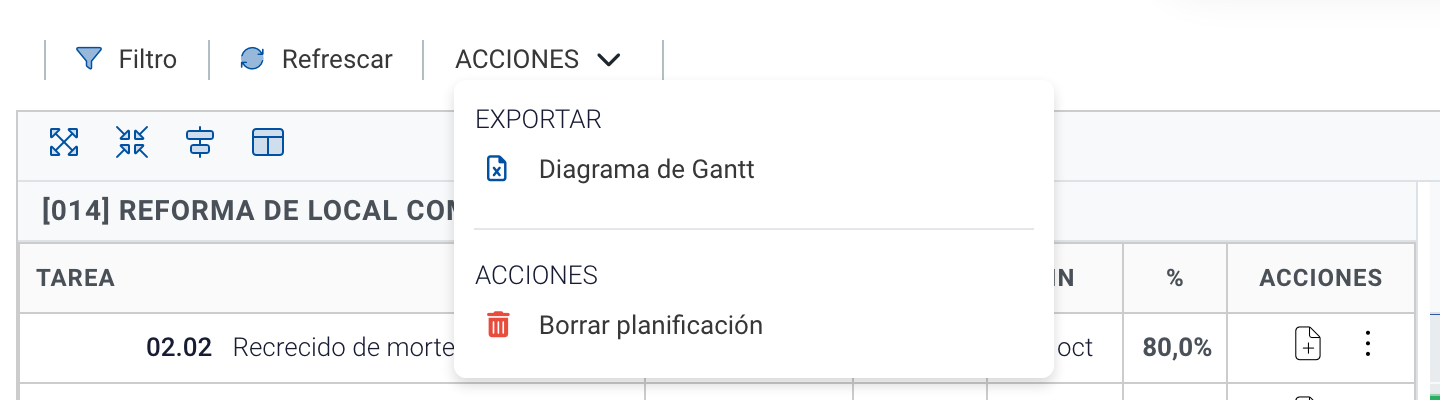
Opciones del menú Acciones con una planificación creada.
#Exportar el diagrama de Gantt
La opción "Diagrama de Gantt" descarga la planificación en un fichero Excel con el código, la descripción, la duración, las fechas y las predecesoras de cada tarea, junto con su representación en barras. Encontrarás más detalle en Exportar planificación.
#Importar
Las importaciones (desde el presupuesto o desde otro proyecto) se lanzan desde el panel que aparece cuando la planificación del proyecto está vacía. Consulta Crear una planificación.
#Borrar planificación
La opción "Borrar planificación" elimina de una sola vez todos los bloques y tareas de la planificación del proyecto.
- Solo aparece cuando la planificación tiene tareas, tienes permiso de eliminación y el proyecto no está cerrado.
- Al hacer clic se muestra un mensaje de confirmación advirtiendo de que la planificación será eliminada.
- Tras confirmar, la planificación queda vacía y no se pueden recuperar los datos eliminados.
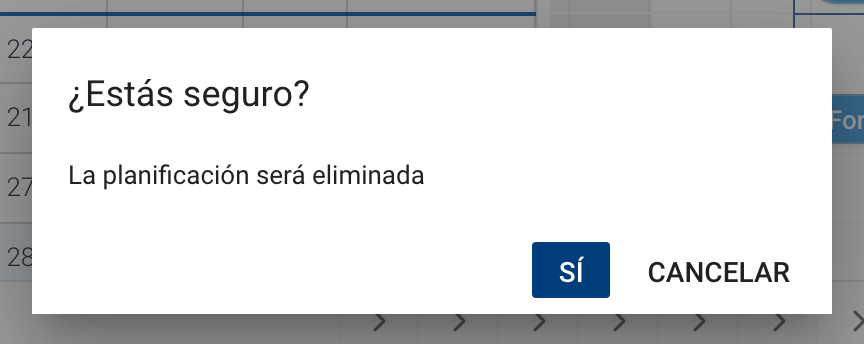
Confirmación antes de borrar toda la planificación.