
Acciones
#Crear una planificación
#Cómo empezar
La planificación siempre está asociada a un único proyecto, así que lo primero es seleccionarlo. En la pantalla de Planificación, abre el panel lateral con "Filtro", busca el proyecto por su nombre o código en el campo Proyecto y selecciónalo. Si ya tienes un proyecto elegido en el selector global de la cabecera, la planificación se filtra directamente por él.
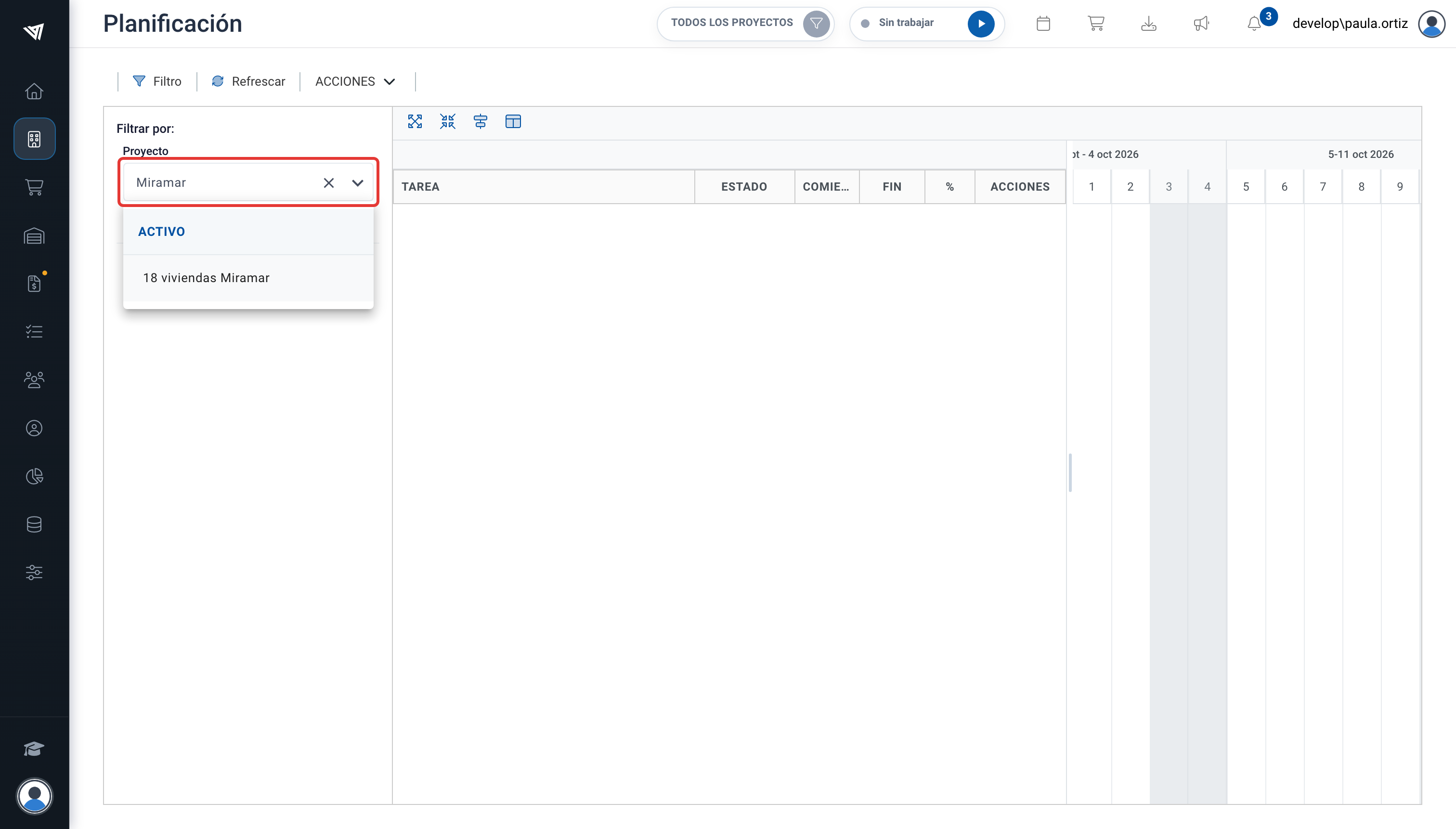
Selección del proyecto en el panel de filtros.
Si el proyecto aún no tiene tareas de planificación, verás el mensaje La planificación está vacía con cuatro formas de empezar:
- Bloque: crea un bloque (capítulo) en la raíz de la planificación.
- Tarea: crea una tarea directamente en la raíz, sin bloque padre.
- Importar a partir del presupuesto: genera bloques y tareas a partir de los capítulos y partidas del presupuesto del proyecto.
- Importar de otro proyecto: copia la planificación completa de otro proyecto en el actual.
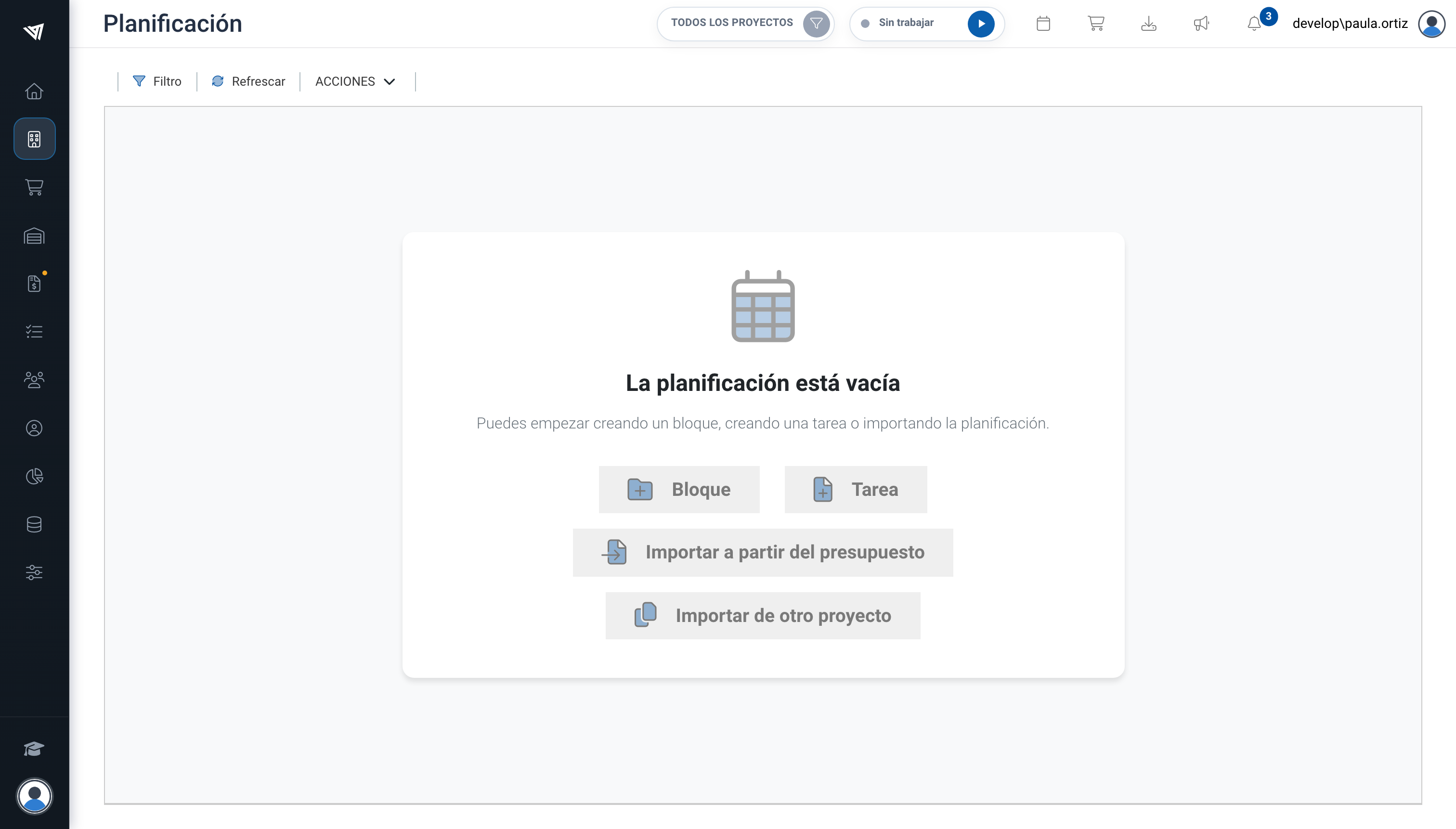
Opciones disponibles cuando la planificación del proyecto está vacía.