
Acciones
#¿Trowel no arranca?
En algunas ocasiones los datos que el navegador guarda de Trowel (caché y cookies) quedan desactualizados. Cuando ocurre, la pantalla de inicio de sesión no llega a aparecer y solo ves el logotipo de Trowel con el mensaje "Cargando..." sin parar. Si la carga se alarga, debajo aparece un aviso con un enlace a esta página y la dirección de correo del soporte técnico.
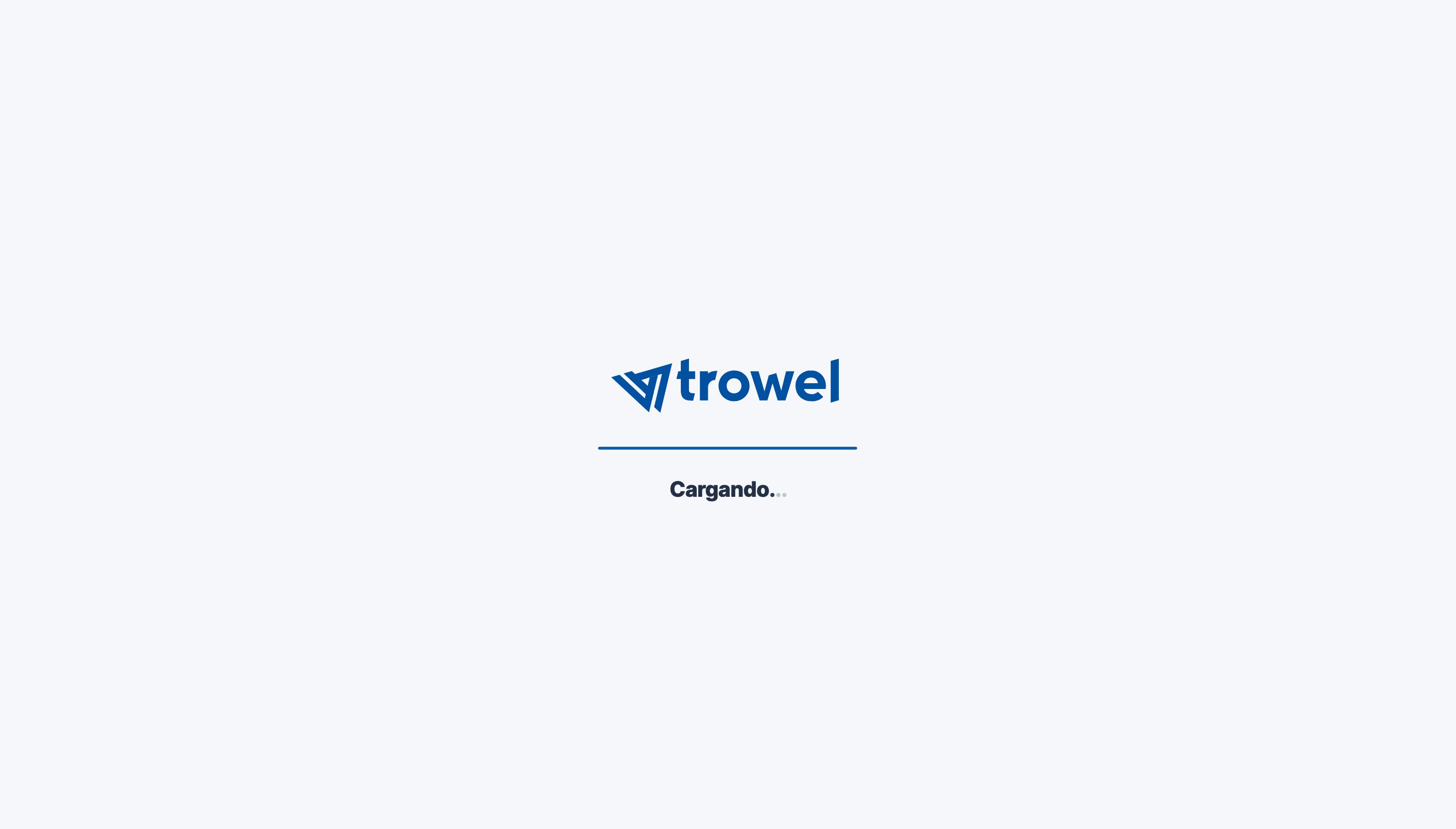
Trowel se queda en la pantalla de carga.
Para solucionarlo, vacía la caché y fuerza la recarga de la página. En Google Chrome (y en otros navegadores basados en Chromium, como Microsoft Edge) sigue estos pasos:
- Haz clic con el botón derecho del ratón en cualquier parte de la página.
- En el menú que aparece, elige "Inspeccionar" (suele ser la última opción). También puedes pulsar F12 (en Windows) o Cmd + Opción + I (en Mac).
- Se abre el panel de herramientas para desarrolladores, en una ventana aparte o en un lateral del navegador. No lo cierres.
- Con ese panel abierto, haz clic con el botón derecho del ratón sobre el icono de recargar del navegador (la flecha circular situada a la izquierda de la barra de direcciones).
- En el menú que aparece, elige "Vaciar la caché y volver a cargar de manera forzada".
- La pantalla de inicio de sesión debería cargarse con normalidad. Ya puedes cerrar el panel que abriste en el paso 3.
Si el problema continúa, prueba a abrir Trowel en una ventana de incógnito o en otro navegador y, si allí funciona, borra las cookies y los datos de sitio de Trowel desde la configuración de tu navegador. Si aun así no puedes acceder, contacta con soporte.
Cuando todo funciona correctamente, verás la pantalla de inicio de sesión, que empieza pidiéndote el nombre de tu empresa:
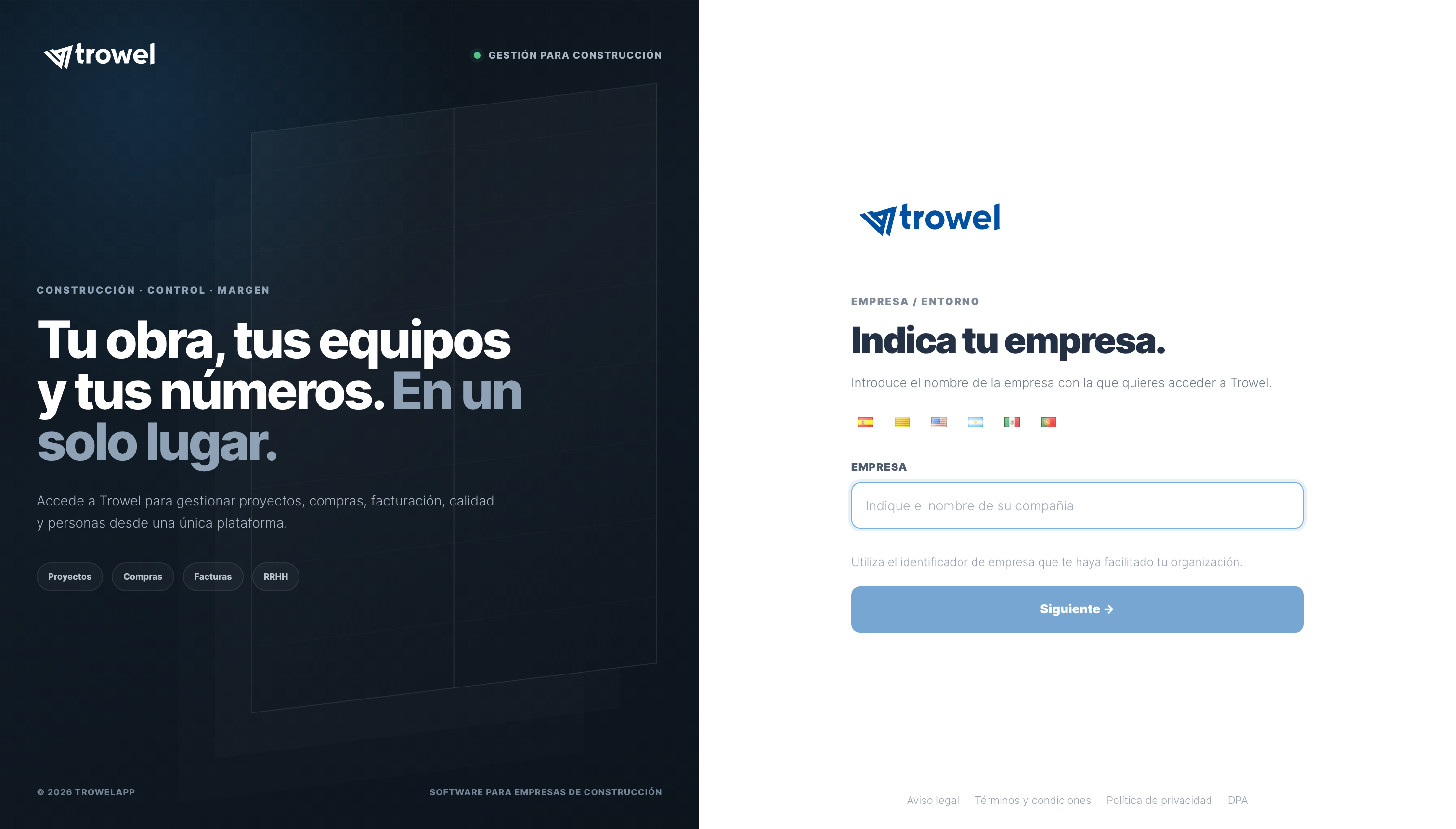
Pantalla de inicio de sesión cargada correctamente.